Devils Kitchen
A downloadable game for Windows

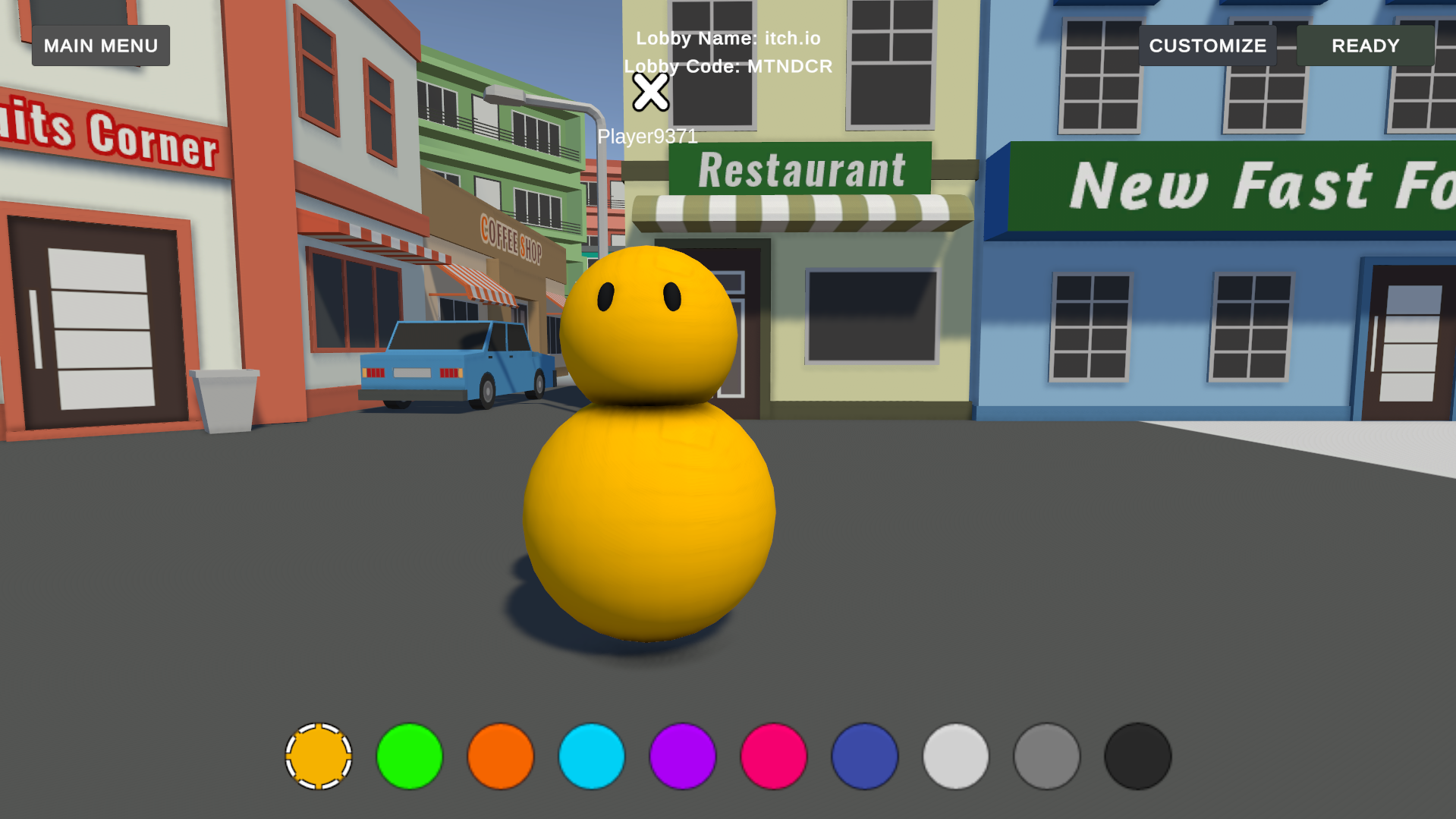
Welcome to Devils Kitchen!
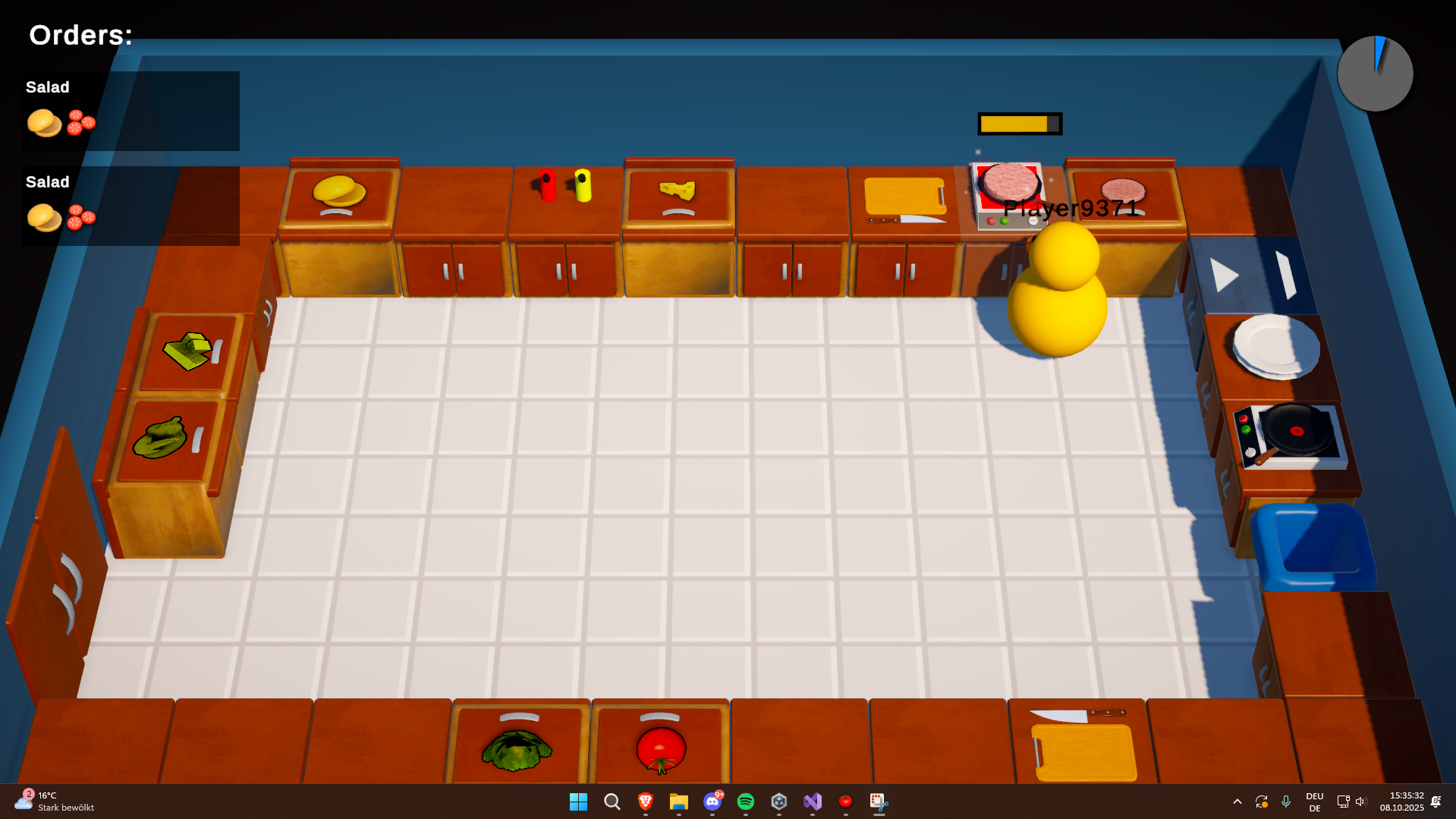
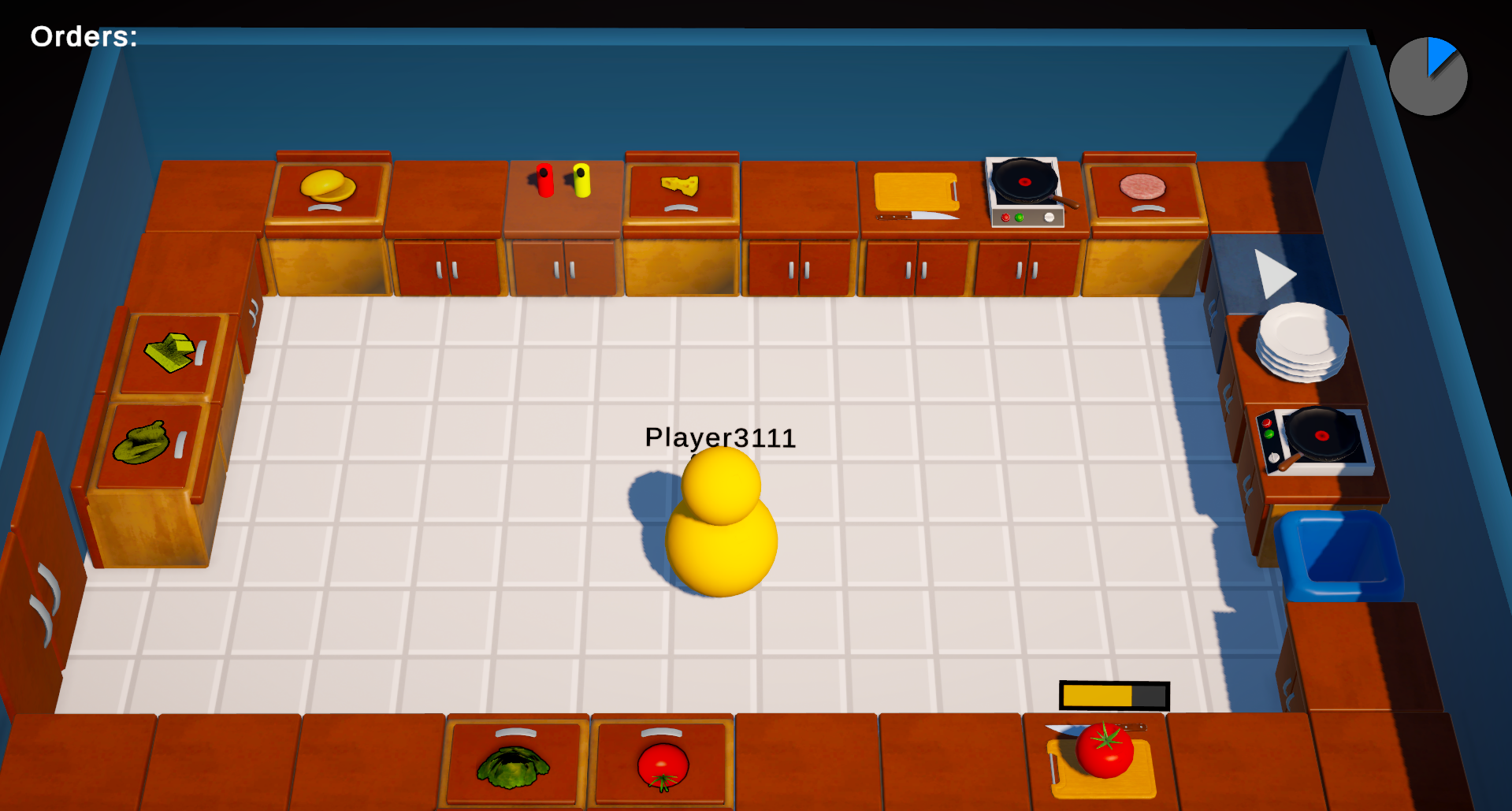
Can you serve many customers before the time runs out - but make sure to not burn the kitchen down!
In this game you with up to 3 friends are placed inside a kitchen with a clock ticking down and orders rushing in!
Your goal is to make sure that every customer gets excactly what they ordered - so you might want to double check your plate...
With over 50 Recipes and options for modding, the game always has a trick up its sleeve - so dont worry, its not that easy ;)
Download
Install instructions
How to run the game:
Using the ZIP file:
1) Extract the ZIP file onto your computer.
2) Double tap the Devils Kitchen Executable (Devils Kitchen.exe) to launch the game.
Note: To launch the game, you have to open the folder again and open the Executable. For easier use, you might want to use the Installer instead.
Using the Installer:
1) Double tap the downloaded Executable file.
2) Accept the EULA and press Install. (Unless you know what you are doing, do NOT change the installation location for easier updates!)
3) The game will automatically launch after install.
Note: After using the installer you can search for "Devils Kitchen" in the Windows search bar to launch the game anytime.
Modding SDK
1) Extract the Folder from the ZIP file onto your computer.
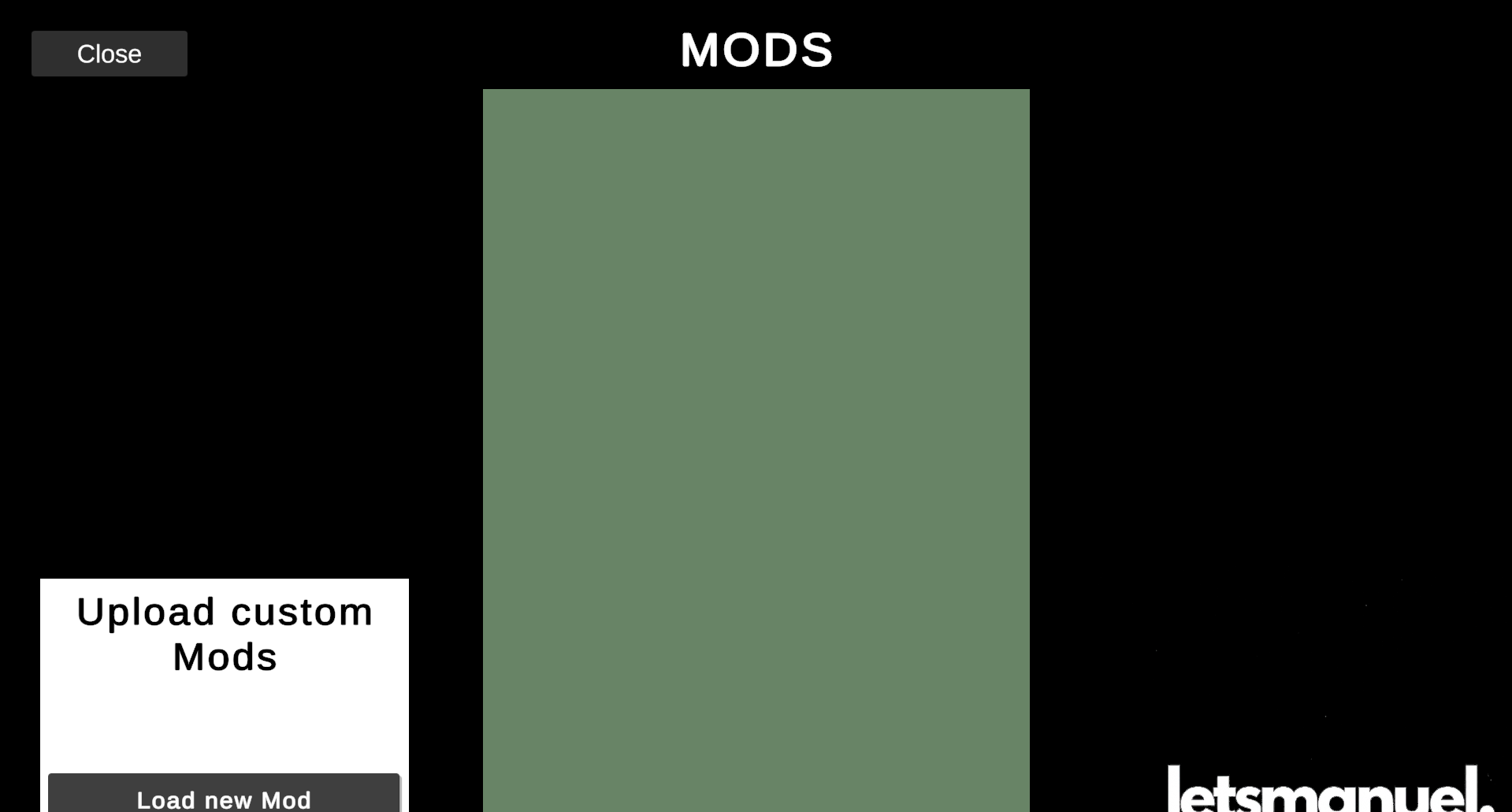
2) Launch the game (also see previous 2 ways of installation) and click the "m" button visible in the main menu (this reffers to "mods").
3) Click on upload/add new mod, and select the folder that you exctracted from the download.
4) Wait for about 5 seconds for your mod to load.
5) Play any game and this mod will affect the gameplay.
Note: To remove a mod, press the Trash icon in the modding menu, this will not delete it from your PC, but remove it from the game!
Multiplayer: For a mod to work in multiplayer, all clients must have the mod loaded!
Development log
- 1.0.7 - Modding Part 2Mar 01, 2026
- 1.0.6 - Bugfix UpdateFeb 28, 2026
- 1.0.5Oct 10, 2025
- Developer SDK / Modding TutorialOct 08, 2025
- 1.0.3.5Oct 08, 2025